
AI agent automation isn’t just a trend – it’s fast becoming a core business strategy. But once you move past the buzzwords, the first question always comes up: what will it cost to actually build and run one? The short answer is, it depends – on the complexity, the data, and the kind of outcomes you’re aiming for.
In this guide, we’ll walk through what drives those numbers, what often gets overlooked in budget planning, and why the cheapest solution upfront might cost you more later. Whether you’re a startup testing the waters or an enterprise rolling out intelligent automation at scale, understanding the real cost factors is where smart decisions start.
What Is an AI Agent Automation?
At its core, an AI agent is a software system that can perform tasks on its own using natural language processing, machine learning, and rule-based logic. When we talk about AI agent automation, we’re referring to agents that can handle repetitive or decision-heavy tasks without constant human input.
These aren’t plug-and-play bots. They are integrated tools that learn from your data, make predictions, take actions, and improve over time. A well-built AI agent doesn’t just save time. It changes how work flows through your business.
But what does that kind of automation cost in real terms? The short answer: anywhere from $20,000 to $800,000+, depending on what you’re building, how you’re deploying it, and how clean your data is.

Our Approach to AI Implementation and Cost Planning at AI Superior
At AI Superior, we specialize in building AI-driven software solutions that align with real business needs. We help companies uncover where AI can deliver tangible value, starting with the problem they’re solving and the data they have. From the beginning, we work closely with clients to evaluate project feasibility, scope, and the potential return on investment. That’s where effective cost planning starts.
But planning is just one part. We also take a structured approach to implementation. Most projects begin with a proof of concept or minimum viable product (MVP), built around available data and validated through real-world use. If the results meet expectations, we move into full-scale development, integration, and model fine-tuning. This phased process helps minimize risk while keeping the project grounded in performance, not assumptions.
Whether we’re working with predictive models, computer vision, or natural language processing, our focus is on developing robust AI systems that fit seamlessly into existing workflows. We’ve supported clients across industries like insurance, real estate, construction, and pharma. In each case, we aim to deliver tailored solutions that are technically sound, operationally viable, and built with transparency from day one.
Average AI Agent Automation Costs in 2026
AI agent automation costs fall into three broad tiers, based on complexity and use case:
| Automation Scope | Typical Cost Range (USD) | Examples of Use Cases |
| Entry-Level Agent | $20,000 – $60,000 | Auto-responding to support tickets, simple task routing, FAQ bots |
| Operational Automation | $60,000 – $250,000 | Parsing documents, triaging emails, syncing CRM updates automatically |
| Advanced Business Agent | $250,000 – $800,000+ | Multi-system workflow automation, predictive decision support, dynamic NLP tasks |
Keep in mind that these are ballpark figures. Your actual cost depends on your data, infrastructure, goals, and how much you’re customizing.
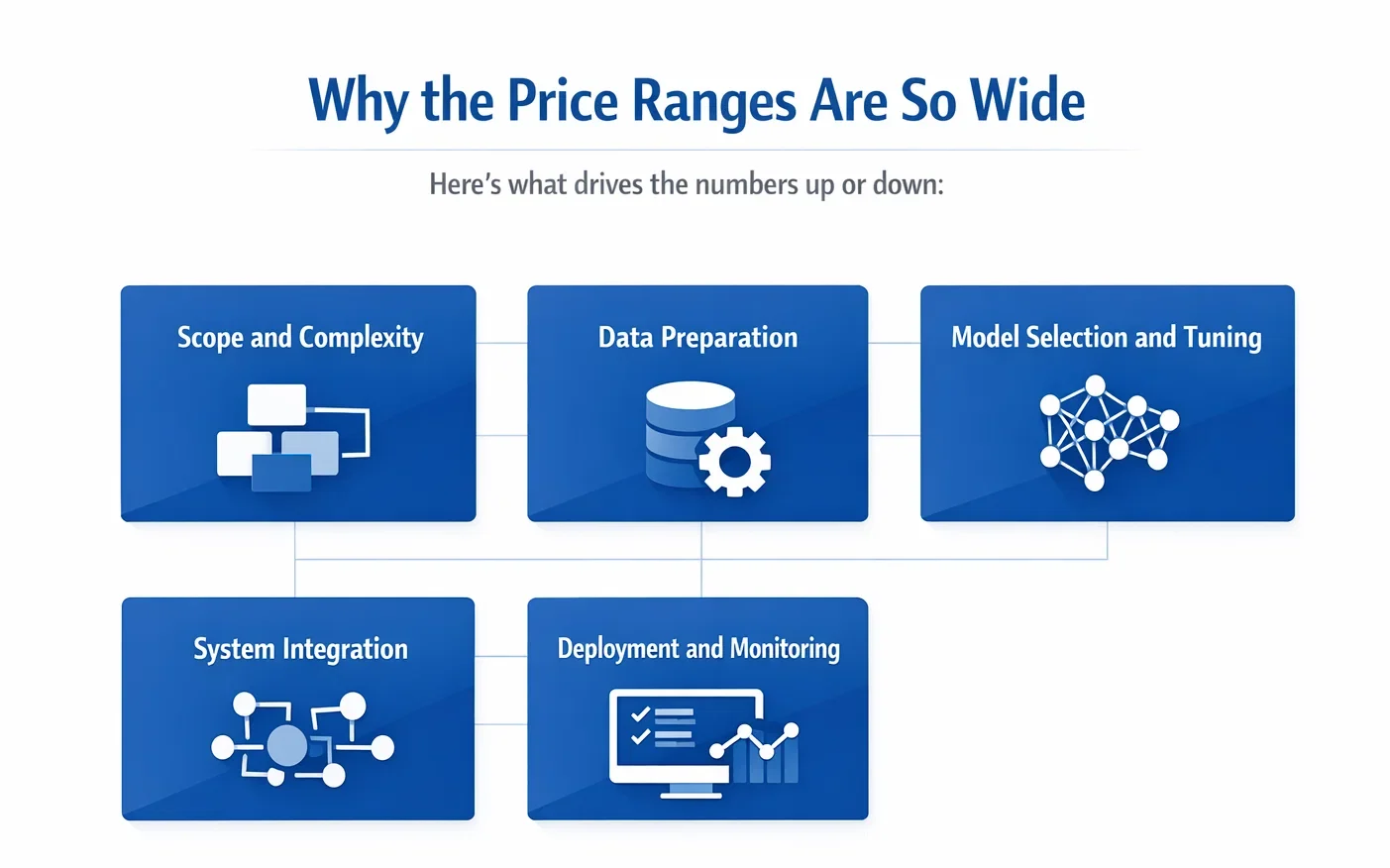
Why the Price Ranges Are So Wide
Unlike SaaS pricing, AI agent automation isn’t one-size-fits-all. The cost range is large because every project is different. Here’s what drives the numbers up or down:
Scope and Complexity
One of the biggest cost factors in AI agent automation is simply how much you’re asking the agent to do. There’s a wide gap between a basic support bot that answers five preset questions and a system that reads documents, understands context, identifies patterns, and then triggers actions across other platforms. As the scope grows, so does the architecture.
You’re looking at more training time, more decision-making logic to handle exceptions, more system integrations, and more edge cases that need to be tested before anything goes live. It’s not just about writing code – it’s about designing something that can adapt, scale, and stay accurate over time.
Data Preparation
Data is where the real work begins and where many projects quietly balloon in cost. AI agents can’t run on messy, inconsistent inputs, and most business data isn’t ready for automation out of the box. Whether it’s labeling thousands of support tickets, cleaning up customer records, or structuring unorganized logs, that data pipeline needs to be solid before any model can learn from it.
In many cases, this prep phase can eat up a third or more of your total budget. And it doesn’t stop once the agent is live – data drift, quality checks, and re-training cycles are all part of keeping automation accurate and useful over time.
Model Selection and Tuning
Choosing the right model for your agent isn’t always straightforward. Some projects lean on open-source large language models that need tuning to understand specific business language or workflows. Others tap into commercial APIs that charge based on usage, which adds another layer to cost forecasting.
But no matter what the foundation is, someone has to tailor it – feeding it the right data, testing its reasoning, and putting guardrails in place so it doesn’t go off-script. That tuning process can get technical quickly, especially if your agent needs to follow nuanced logic or handle regulated data.
System Integration
No matter how smart the AI is, it’s only useful if it connects with your systems. That’s where integration work comes in and where budgets can spike unexpectedly. If your CRM, helpdesk, or internal tools don’t offer clean APIs, expect to invest more time in building those bridges. Even modern systems sometimes need custom middleware to support seamless data flow.
For companies working in real-time environments, such as finance or logistics, integration also means optimizing for speed and reliability, not just function. These behind-the-scenes pieces are critical and often underestimated when planning the automation roadmap.
Deployment and Monitoring
Once the agent is built, the work doesn’t stop – it shifts. Deploying an AI system isn’t just clicking “launch.” You need proper testing environments, rollback options in case something breaks, detailed logging, and monitoring dashboards to see how the agent performs in the wild. It’s here that teams start spotting edge cases, gathering feedback, and planning updates.
Without this layer of visibility, automation becomes a black box – something you don’t want in any production system, especially one making real-time decisions. A thoughtful deployment phase also sets the stage for easier scaling later on, making it well worth the upfront investment.
Hidden Costs You Shouldn’t Ignore
Even if you plan well, these costs often sneak into AI projects:
- Training time for staff: If your team doesn’t know how to use or trust the agent, adoption tanks.
- Legal and compliance: In finance, healthcare, and other regulated spaces, agents need audits, logs, and safeguards.
- Prompt tuning and feedback loops: Especially with generative agents, someone has to test and refine outputs regularly.
- API overages: Using commercial LLMs can lead to token-based billing that spikes with traffic.
- Delayed timelines: Complex onboarding or low-quality data can drag a 2-month project into a 6-month slog.
What You’re Really Paying For
To give a clearer sense of where the budget actually goes, here’s a rough breakdown for a typical mid-level AI agent project:
| Phase | % of Budget | Details |
| Discovery & Strategy | 5% – 10% | Scope definition, feasibility, ROI mapping |
| Data Prep & Engineering | 20% – 30% | Cleaning, structuring, labeling, pipelines |
| Model Development | 25% – 35% | Choosing, training, and customizing models |
| Integration & Deployment | 15% – 25% | System connections, APIs, rollout |
| Testing & Validation | 10% – 15% | QA, edge cases, human-in-the-loop, error handling |
| Monitoring & Iteration | 5% – 10% | Logging, analytics, updates, user feedback cycles |
When Small Business Can Start With Less
Not every project needs an $800K custom build. Many small teams get strong results starting with simpler agents. For example automating support FAQs, routing incoming leads, summarizing documents, and parsing invoices or emails.
These lower-complexity agents often run in the $20K – $50K range, especially when built on top of no-code or semi-code platforms. Just remember: the cost saved upfront might need to be reinvested later when you outgrow the initial setup.
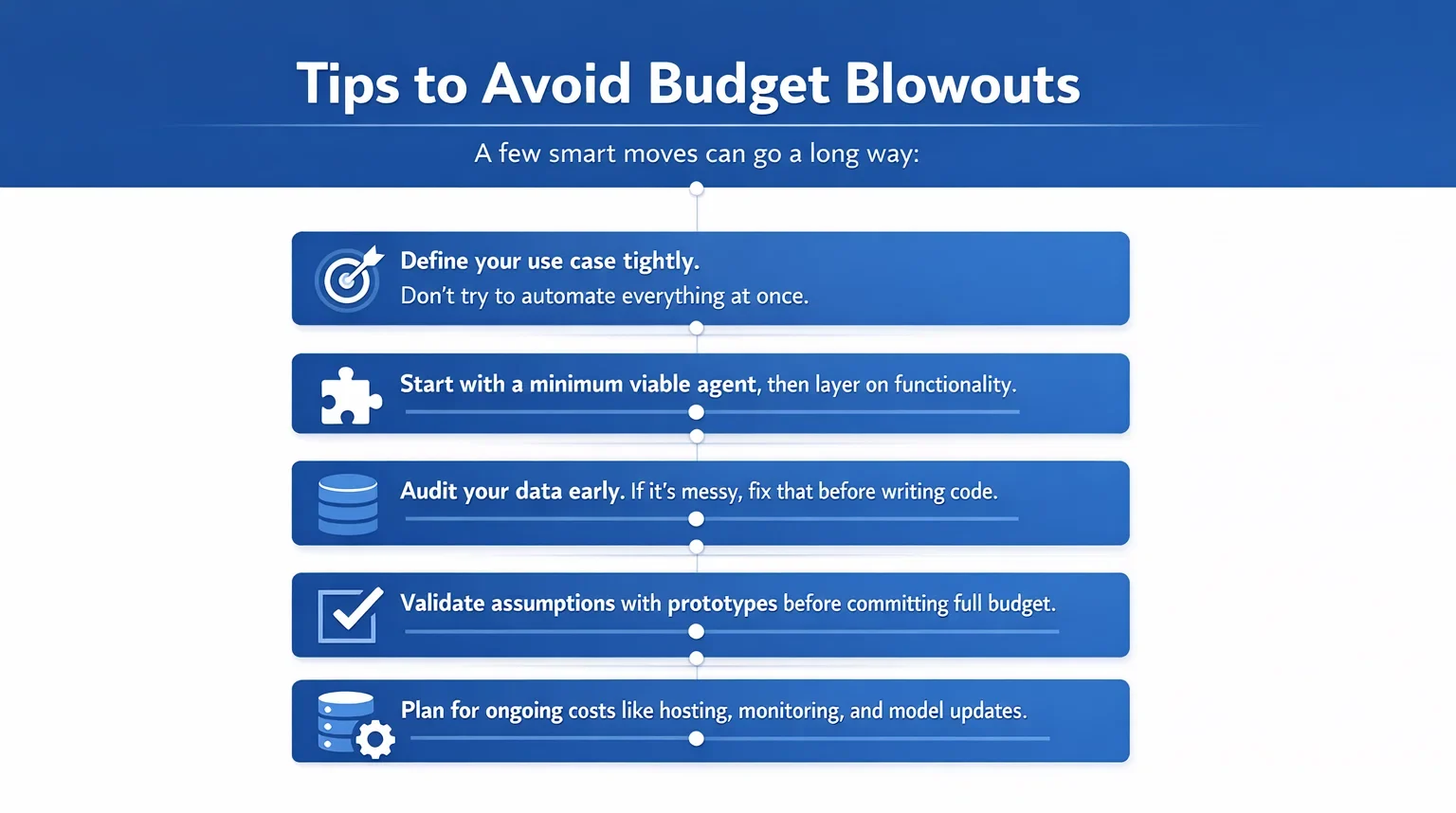
Tips to Avoid Budget Blowouts
A few smart moves can go a long way:
- Define your use case tightly. Don’t try to automate everything at once.
- Start with a minimum viable agent, then layer on functionality.
- Audit your data early. If it’s messy, fix that before writing code.
- Validate assumptions with prototypes before committing full budget.
- Plan for ongoing costs like hosting, monitoring, and model updates.
So, Is It Worth the Price?
In most cases, yes, but only if you treat AI agent automation like a product, not a magic switch. Companies that see the best ROI tend to:
- Focus on real pain points (not just what’s trendy).
- Build incrementally.
- Train their teams and track performance.
- Treat data like a first-class asset.
Back-office AI agents, in particular, have shown strong ROI. Think fraud detection, ticket triage, HR onboarding, internal request routing – these don’t just cut costs, they unlock scale.
Final Thoughts
AI agent automation is an investment, not a one-off expense. And like any investment, it comes with risk. But done right, with the right goals, data, and expectations, it can deliver serious returns.
Whether you’re spending $25K or $500K, the smartest money goes toward agents that fit your business, work with your data, and scale with your operations.
The cost may vary. The value, when done right, shouldn’t.
FAQ
1. What’s the actual price range to automate with AI agents?
It really depends on the use case, but most companies spend somewhere between $20,000 and $800,000. A simple AI agent that handles one task cleanly might sit on the low end. More advanced systems, like those using multiple data sources, predictive logic, or real-time decision-making, land much higher. There’s no universal price tag because the context always shapes the cost.
2. Why do the costs vary so much between projects?
Because the word “AI agent” covers a lot of ground. Is it parsing emails or managing supply chains? Is the data clean or a complete mess? Are you plugging into modern tools or trying to untangle legacy software? These things change not just the timeline but the people, infrastructure, and effort needed to get things working.
3. Can I just use a prebuilt tool instead of building from scratch?
You can, if your needs are simple and your workflow is flexible. Off-the-shelf platforms are faster to launch and cheaper up front, but they often break when you try to customize or scale them. If your agent needs to adapt to your business (not the other way around), a tailored solution is probably the better long-term call.
4. What should I budget beyond the initial build?
Expect ongoing costs. Monitoring, retraining, updating prompts, handling edge cases – it all continues after launch. Many teams forget to plan for this and then scramble later. Budget for at least 10-20% of the original build cost annually, especially if the agent becomes business-critical.
5. What’s the biggest mistake people make when estimating costs?
Assuming it’s all about the model or the code. In reality, the biggest mistakes come from skipping discovery, underestimating data prep, or rushing integration. The best cost estimates come from people who know your goals, your systems, and your constraints, not just your wishlist.
 English
  German
  Arabic
  French
  Dutch
Dutch  Spanish